FastApply Installation Guide
Download the FastApply Extension
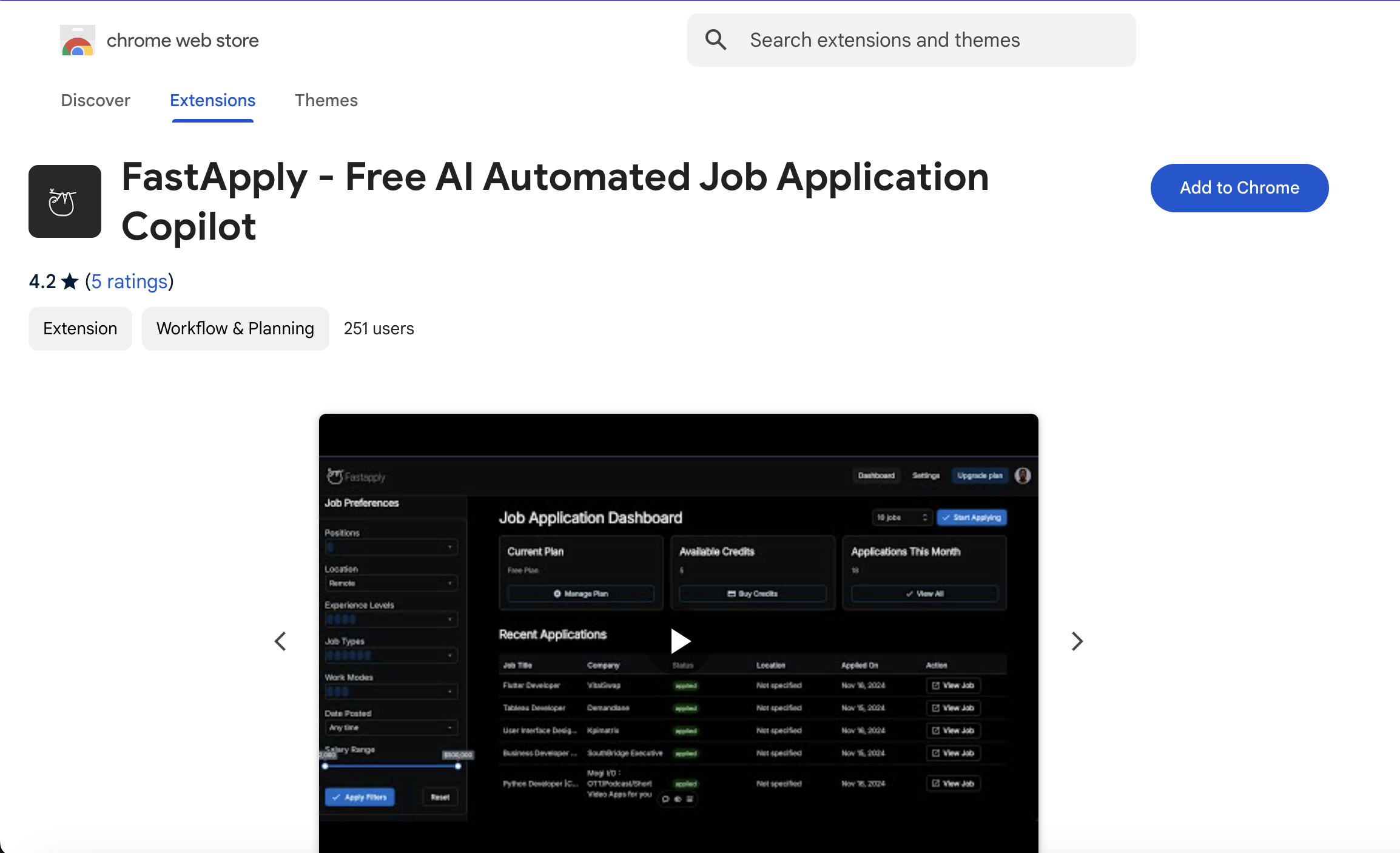
Visit the Chrome Web Store to download the FastApply plugin. Click "Add to Chrome" to install it.
Pin FastApply to Your Toolbar
After installation, pin the FastApply icon to your browser toolbar for easy access.
Upload Your Resume on FastApply
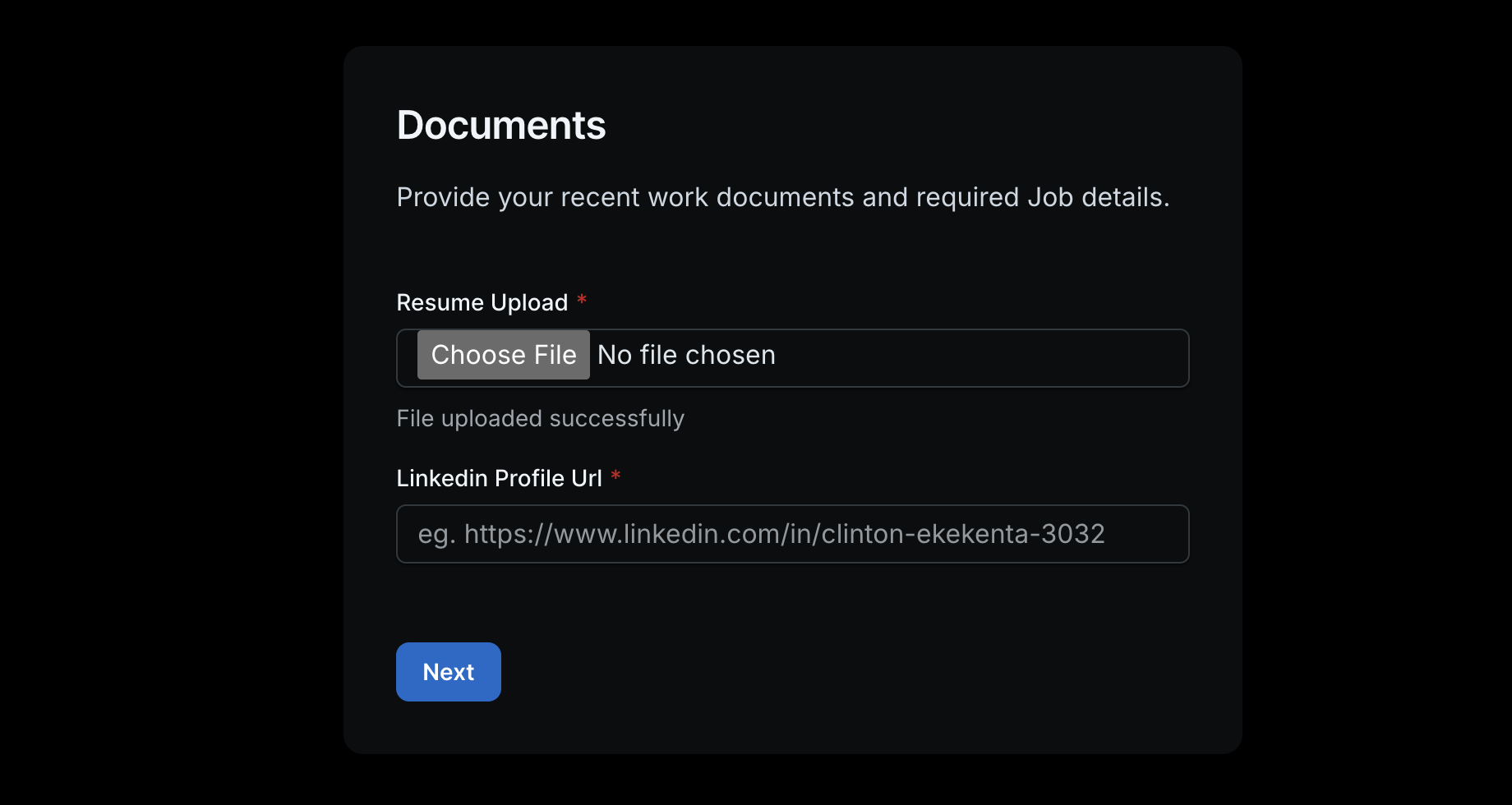
Ensure that you have a resume uploaded on FastApply during the onboard process. If not, upload it on the settings page..
Set Default Values
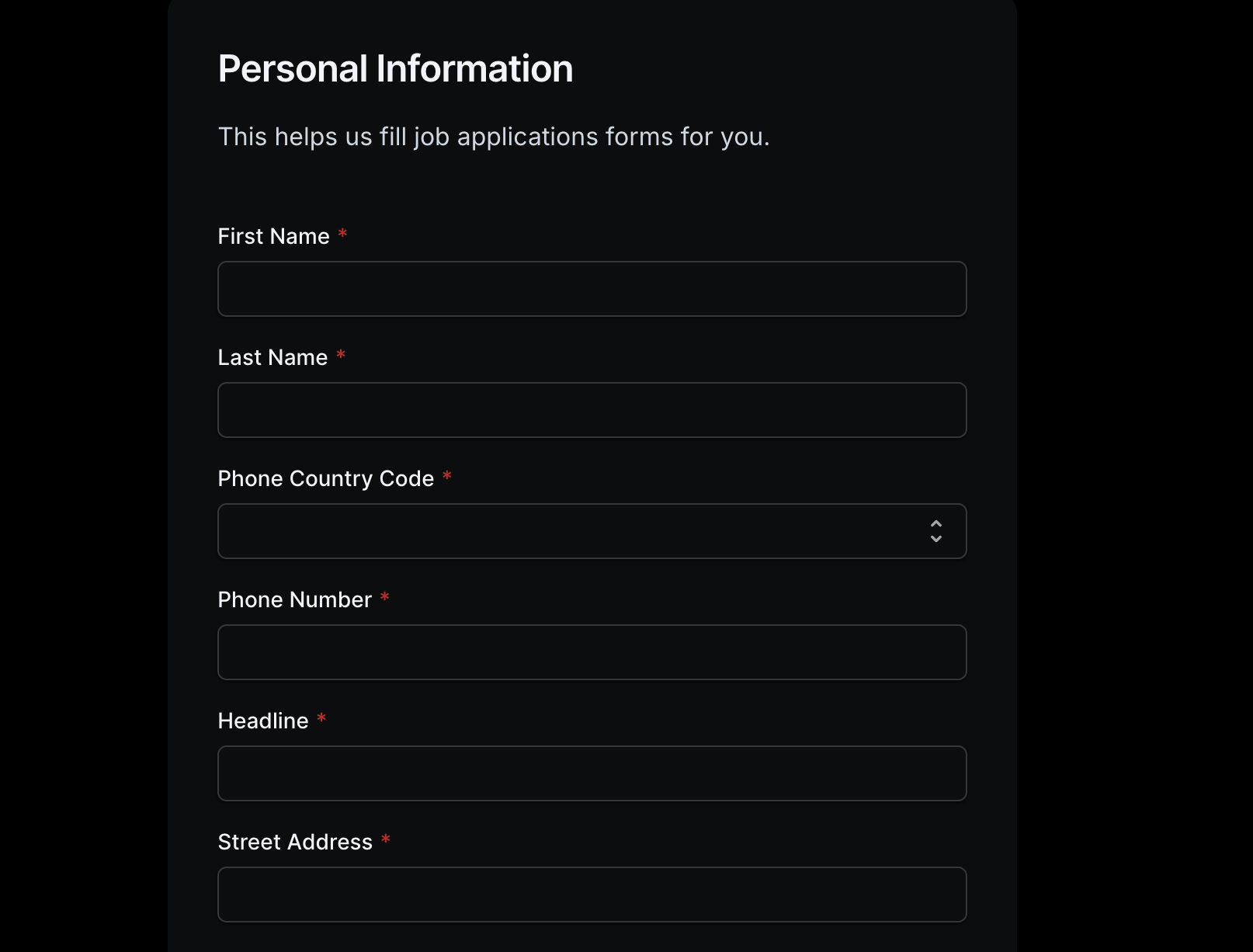
Set your default values for the FastApply during the onboarding or set them in the settings page after onboarding. If you enter your correct details, we'll auto-fill the forms.
Confirm Extension Installation
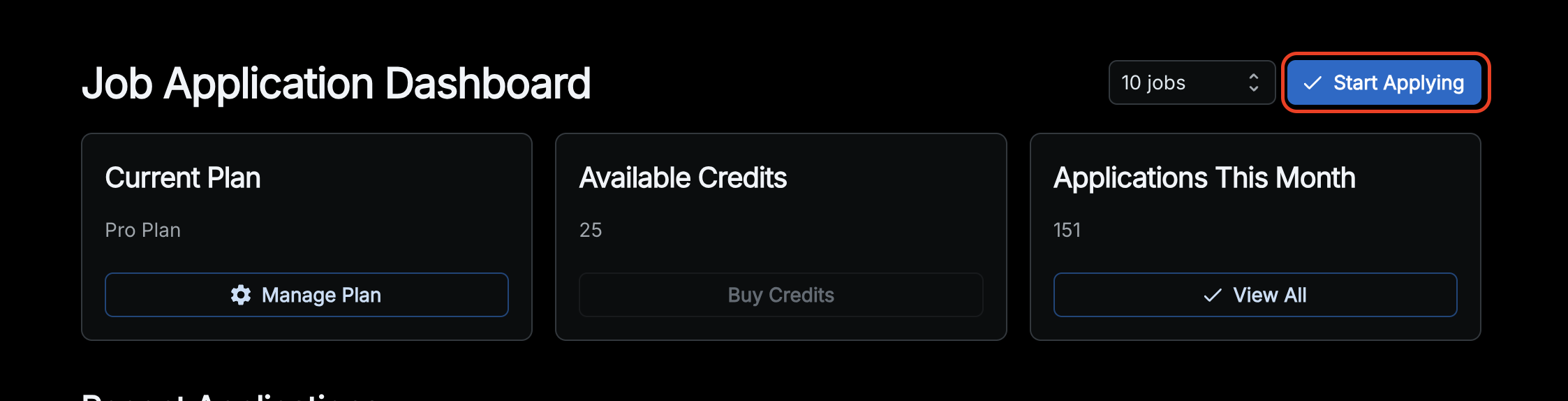
Once installed, you should see the Start Applying button appear in your Auto-Apply when you visit Auto-Apply.
Ready to Apply!
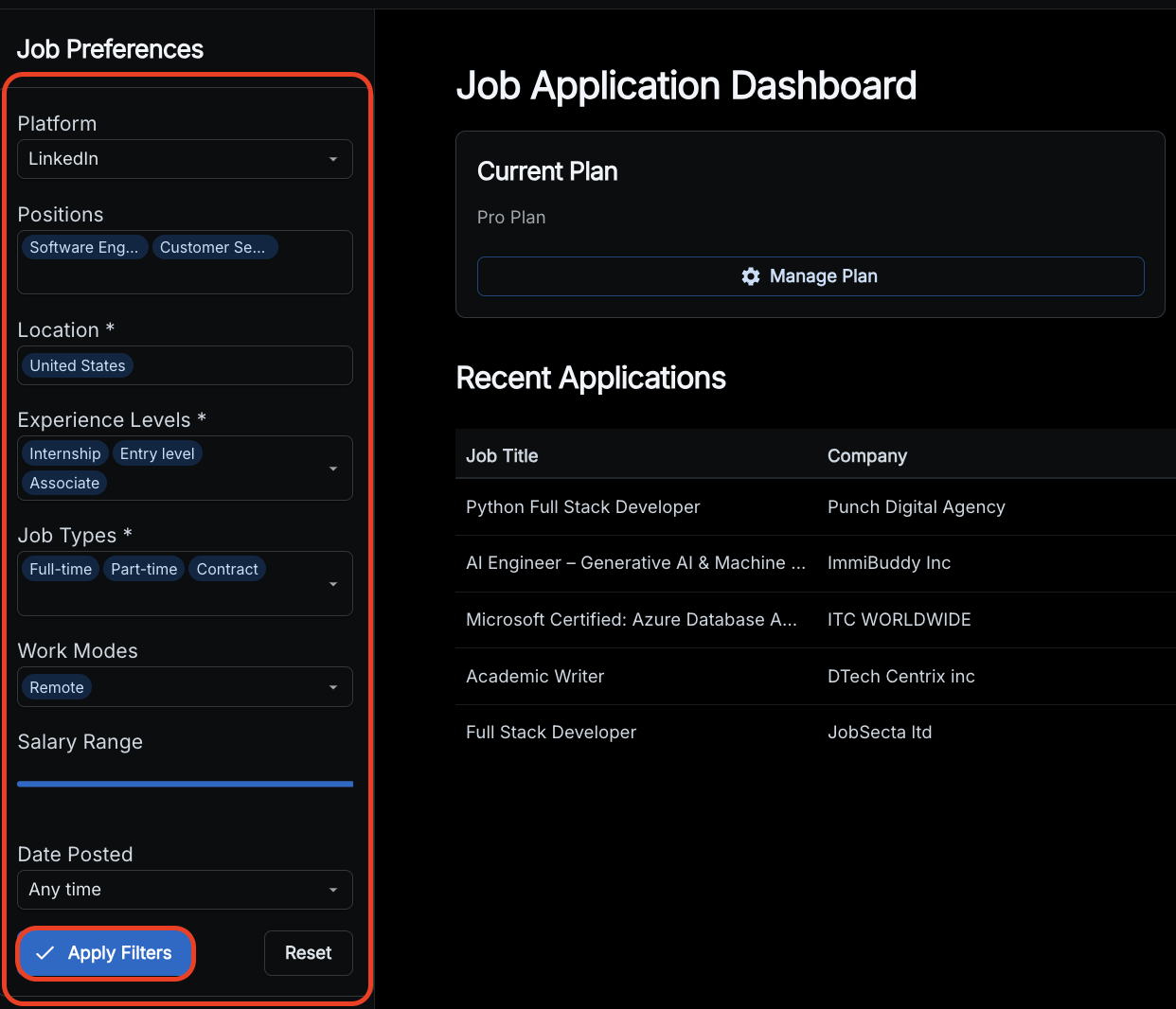
You're now all set to start using FastApply. From your dashboard, set your job preferences, apply the filters and then click the Start Applying button, and let the magic happen.
Application Questions Filling
As tool applies for job, it will use our advanced job AI to provide accurate answers like a human would. It uses the information you have provided to answer these question just the way you would.
Stopping the Program
To stop the program just refresh the page or close the active tab.
Ready to Start
Auto-Applying?
Install FastApply and start applying to hundreds of jobs automatically.